SVG and transparency
How to approach svg remove background online free
An SVG may already have a transparent background, or it may contain a white shape or embedded image that needs editing. First decide whether you need to keep a vector file or simply need artwork that looks clean on another background.

Why the file you start with changes the result
A transparent-looking result is not necessarily an editable SVG. The right workflow depends on what is inside the source file and what you need to deliver.
The tool block: inspect an example before you export
Use these image examples as inspection exercises, not proof that an SVG can be uploaded or exported. For each one, check the subject edge against both a light and a dark background.
-
 1
Edge check
Inspection input: an image with a clearly defined subject. Look for leftover background pixels along the outline before placing it on a new color.
1
Edge check
Inspection input: an image with a clearly defined subject. Look for leftover background pixels along the outline before placing it on a new color. -
 2
Detail check
Inspection input: an image with small details near the subject boundary. Zoom in to see whether narrow parts remain intact.
2
Detail check
Inspection input: an image with small details near the subject boundary. Zoom in to see whether narrow parts remain intact. -
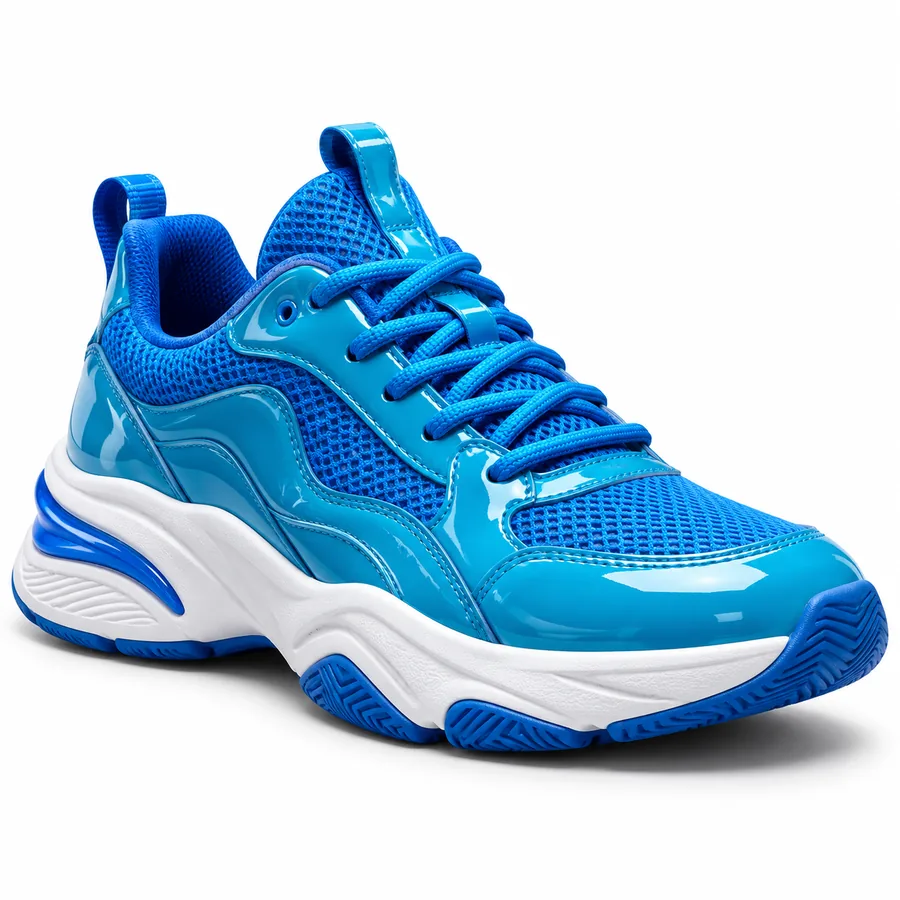 3
Transparency check
Inspection input: an image intended for reuse on different backgrounds. Place the result over a contrasting color to distinguish transparency from white fill.
3
Transparency check
Inspection input: an image intended for reuse on different backgrounds. Place the result over a contrasting color to distinguish transparency from white fill.
Spec table: editable SVG or transparent PNG?
These are file-format distinctions, not a promise that a particular tool accepts SVG input or returns SVG output. Confirm supported formats in the tool you choose.
Edited SVG
Transparent PNG
Image structure
Edited SVG
Can retain editable vector shapes if the source contains them.
Transparent PNG
Stores a fixed grid of pixels.
Background removal
Edited SVG
A background shape can be deleted or hidden in a vector editor.
Transparent PNG
Background pixels can be made transparent while keeping the subject.
Scaling
Edited SVG
Vector paths can scale without pixelation.
Transparent PNG
Enlarging beyond the image dimensions can reveal pixels.
Embedded photographs
Edited SVG
An SVG can contain a raster photo; its file extension does not turn that photo into vectors.
Transparent PNG
The photograph remains raster data.
Editing after export
Edited SVG
Individual paths may remain selectable when they exist in the source.
Transparent PNG
Individual vector paths are not preserved.
Best fit
Edited SVG
Choose this when editable paths are required for a logo or illustration.
Transparent PNG
Choose this when you need a transparent image for a slide, listing, or layout.
SVG background removal FAQ
Yes, if the white area is a separate shape, a compatible vector editor can remove that shape. If the SVG contains an embedded photograph with a white background, removing the white requires editing the raster image instead.
It might be. Some editors display a white canvas even when there is no background object in the file. Place the SVG over a colored surface or inspect its layers before deleting anything.
Deleting a vector background shape can preserve the remaining vector paths. A tool that processes the artwork as an image may instead produce a raster result, so check the exported file type and whether its shapes remain editable.
Check whether it accepts your SVG, whether it handles embedded images, and which output formats it offers. Preview the result over a contrasting background and inspect fine edges before using it in a design.